
Nature Analytics
Shaping nature insights – Empowering decisions
Actionable nature risk intelligence that helps engineers, planners, and land stewards make defensible investments, protect communities, and manage landscapes sustainably.
What we do
Leading-edge tools for nature-risk assessments
We help organisations understand, forecast and manage the natural hazards that put people, assets and critical infrastructure at risk.
By combining specialist expertise, reproducible methods and production-ready software, we deliver scalable nature risk analytics that fit directly into procurement, planning and asset-management workflows.
Our approach brings together probabilistic physics, AI-enabled data pipelines and practical engineering experience to support better-informed decisions to manage nature risks.
Core services
Operational nature risk intelligence, engineered for impact
Site specific probabilistic rockfall simulation
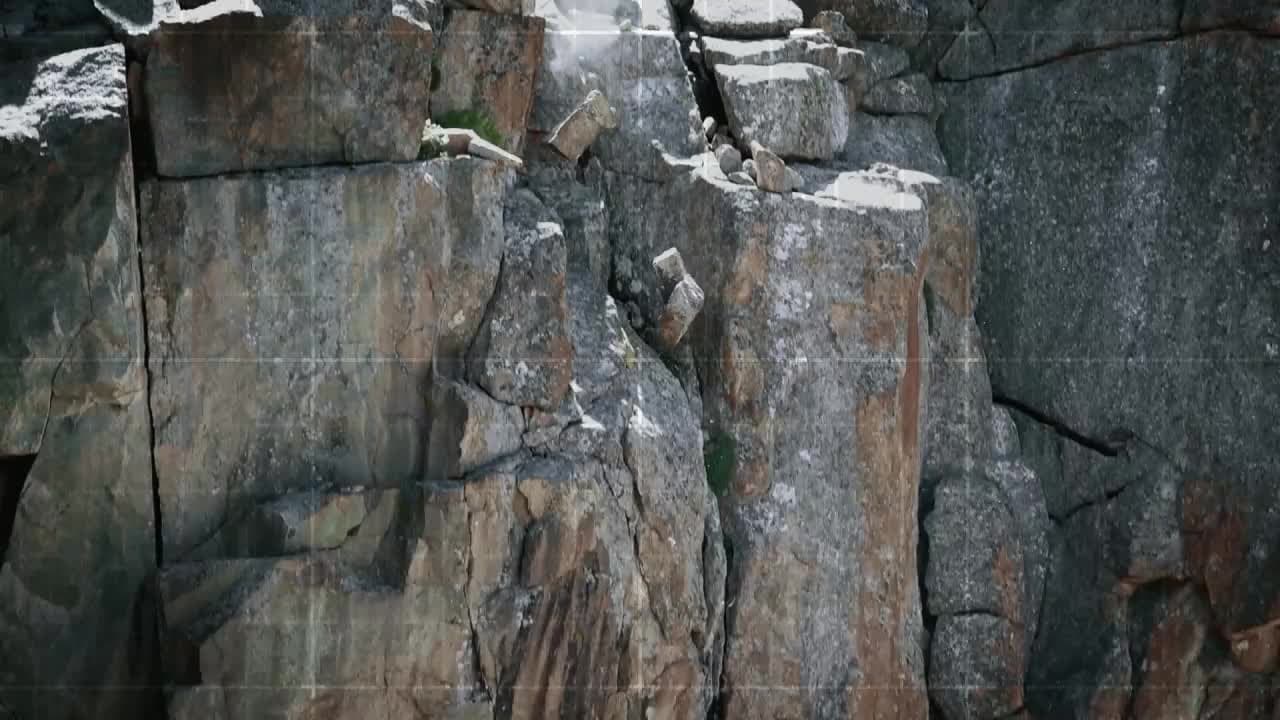
Our software Rockyfor3D produces high-resolution, physics-based 3D rockfall trajectory simulations to estimate runout, impact probability, kinetic energy and bounce height. Deliverables are tailored for design, permitting mitigation planning so teams can specify barriers, nets and other protective measures with confidence.
Regional hazard mapping at scale
Our automated, high-resolution regional analyses combine terrain, geology and vegetation data to produce reproducible landslide and rockfall hazard and risk maps suitable for planning, emergency preparedness and prioritised investment.
Large rock mass fall and rock avalanche runout analysis
We model complex rock mass failure and runout dynamics to support scenario planning, resilience studies and infrastructure protection strategies.
Spatial data & analytics integration
We customize data pipelines and GIS workflows, integrate third-party datasets and in-house models, producing standardised exports for a wide range of geographical information and asset-management systems.
Why Nature Analytics
Trusted science, production-ready delivery
Practical outcomes: We focus on nature risk related outputs that directly reduce uncertainty in design, accelerate procurement and optimise mitigation spending.
Collaborative by design: We work closely with engineers, authorities and owners to align our deliverables with decision points and institutional workflows.
Enterprise-ready: From cloud deployment to controlled binary builds, we deliver nature intelligence solutions that meet procurement, security and IP needs.
Scientific rigour: Our models and methods are reproducible, transparent and defensible for regulatory and procurement uses.
Who benefits
User stories
Geotechnical engineers
Dimension rockfall protection structures with return-period design energies.
Natural hazard specialists
Prepare hazard zones and risk maps from probabilistic trajectory analyses.
Infrastructure owners
Assess risk to roads, bridges, dams and power lines across complex terrain.
Forest and land managers
Evaluate protective forest effectiveness against rockfall.
Government & cantonal authorities
Assess regional and local rockfall risks for public safety.
Research institutions & universities
Study rockfall behaviour in complex terrain.
Rockyfor3D
Rockyfor3D, powered by Nature Analytics.
Rockyfor3D simulates individual rockfall trajectories, bounce heights and impact energies to produce probabilistic design parameters for any terrain or physical structure.
Engineers, consultants, asset owners, hazard specialists, land managers, authorities, and researchers use Rockyfor3D’s reproducible maps and data for design, planning and risk management.
Rockyfor3D (RF3D) licence pricing
RF3D - Standard licence
Full licence (1 year or 6 months); all options, a User Interface (GUI) and a Command-Line (CL) version
€1795/ year
per seat
Unlimited area covered by the input data
Thousands of trajectories simulated in seconds
For engineers, planners, consultants and researchers
RF3D - EDU licence
Educational licence for 1 year, only for university courses and student assignments
€500/ year
for 20 seats
1 year
Additional seats can be purchased for €25 / year
Strictly limited to academic, non-commercial use; subject to eligibility
Both the GUI and CL-version; max. area of the input data = 40 ha
RF3D - LDC licence
Full license (1 year or 6 months) with a reduced price for users in Least Developed Countries
€895/ year
per seat
All program options, both the GUI-version and the CL-version
Only for Least Developed Countries according to the UN definition
Availability subject to eligibility
FAQ
Rockyfor3D Licences – Frequently Asked Questions
How does the floating licence work, and can I use it on several computers?
You can install Rockyfor3D on as many computers as you like. The quantity (QTY) you buy sets how many people can use it at the same time. To let more people work at once, increase the quantity at checkout: a quantity of 20 means 20 concurrent users.
Licences are not assigned to specific computers or users, and no manual transfer is needed. Each time Rockyfor3D starts, it checks over the internet that the licence is valid and free. Licences are handed out first come, first served, and checked in and out automatically through activations, deactivations and heartbeat monitoring. If all licences are in use, the program shows a message and exits; close Rockyfor3D on another computer to free one.
I am a subscribed 2026 ecorisQ member and I paid for a one year licence - when will it be extended?
At the end of 2026, we will extend the purchased one year licence of all subscribed ecorisQ members until 31 December 2027. You do not need to do anything - we are aware this is a bit confusing.
Which operating systems are supported?
For now, the new version of Rockyfor3D is tested and runs on Windows 11. On older Windows versions it might work, but we cannot ensure this. If there is enough demand, we may offer Mac and/or Linux versions in the future.
How do I activate my licence, and what if it does not work?
On first start, Rockyfor3D asks for your licence key in a dialog. Enter the key and confirm. If the licence is validated, a confirmation message appears. If not, an error message is shown. An internet connection is required, both to validate the key and every time you start Rockyfor3D.
If nothing happens after you enter the key, or the software does not start, please check that your computer has internet access, and that a firewall or proxy does not block Rockyfor3D. If the problem persists, contact us and include the error message, if one is shown.
In the command-line version, the licence key can be set using "RF3D_cmd_64.exe --licence XXXXXX-XXXXXX-XXXXXX-XXXXXX-XXXXXX-XX"
My simulation fails, but my data looks fine. What could be wrong?
Check your file paths for non-ASCII characters, such as umlauts or accents (ü, ä, é, etc.). Rockyfor3D currently cannot create its temporary files in such folders, so the simulation fails. For example, a working directory named C:/Testhügel/... triggers this error.
Workaround: store your input data and set your working directory in a path that uses only standard ASCII characters (A–Z, 0–9, _, -). Older versions of Rockyfor3D were not affected. FYI: it is always better to choose a path without empty spaces.
Why do some of my source cells seem to be missing from the results?
Usually they aren’t missing. They just aren’t visible in the raster you’re looking at, most often the reach probability. This raster is based on the ratio between the number of passing blocks and the number of contributing source cells. When source areas overlap, such as rock faces above one another, blocks from upper source cells can pass over the lower ones. Because of that, the reach probability in the cells of the lower lying cliffs drops and can remain hidden.
What to do: Don’t rely on one output raster. Compare the number of sources, the number of passages and the reach probability together. If you’re still unsure, simulate the suspect source area on its own.